1. Access the Promotions Tab
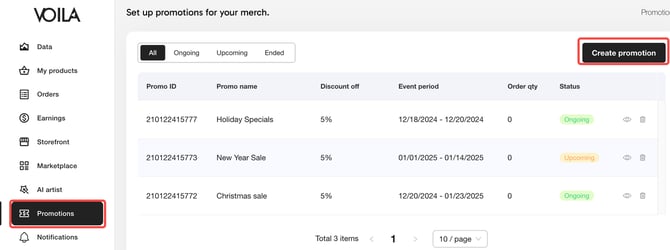
Go to the Promotions tab and click Create a Promotion.
2. Name Your Promotion
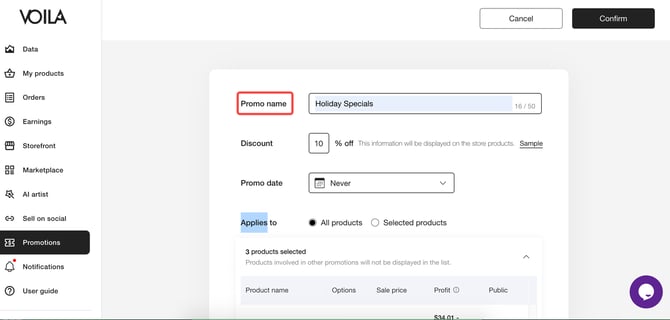
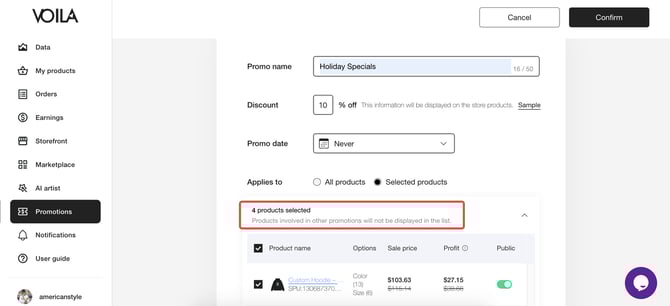
Give it a clear, unique name for easy identification.
3. Set a Discount and Adjust for Low-Profit Alerts
Select the discount percentage you want to offer your followers. If the system prompts that the profit margin is too low after setting a discount, select the specific product(s) you want to apply the discount to and adjust the profit accordingly.
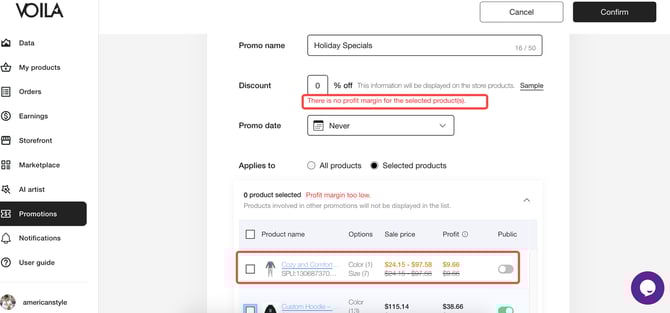
If no prompt appears, apply the discount to all products.
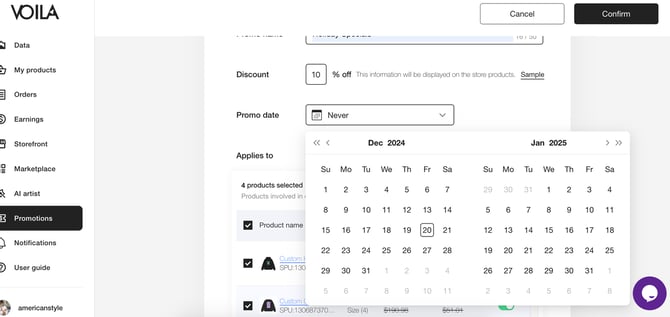
4. Set the Promotion Duration
Choose the start and end times.
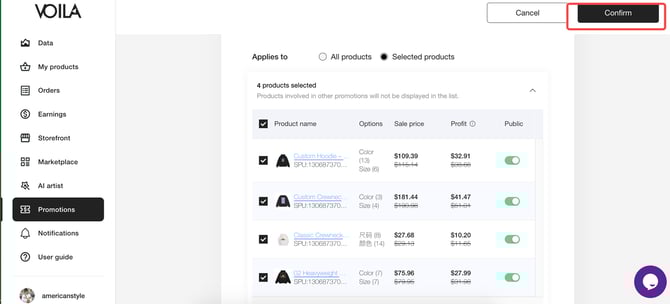
5. Save Your Settings
Click Confirm to finalize your promotion.
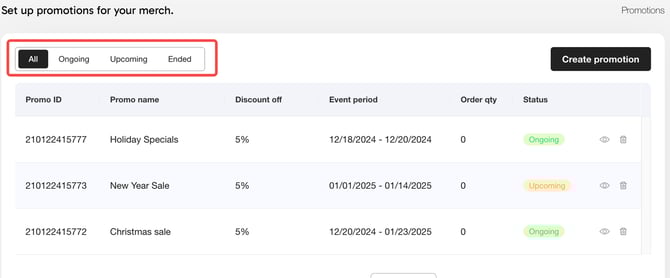
6. Check Promotion Status
Review active and past promotions in the Promotions tab.
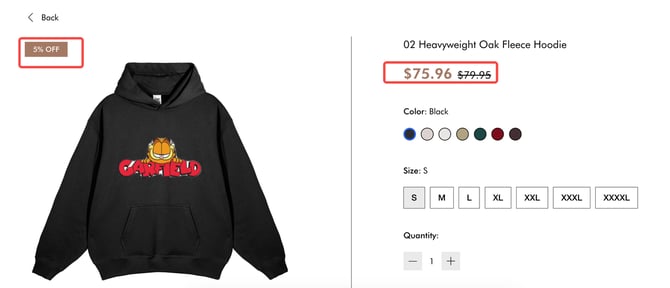
7. View Discounts in Your Store
Visit your store to confirm discounted products.
8. Customer Checkout
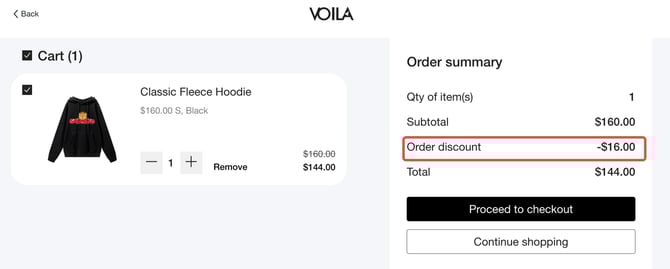
Discounts will be automatically applied at checkout.