1. Visit the Website
Go to https://merch.voila.store/.
2. Design My Product
Browse the marketplace, select a product, and click “Customize” to start designing.

3. Upload Your Design
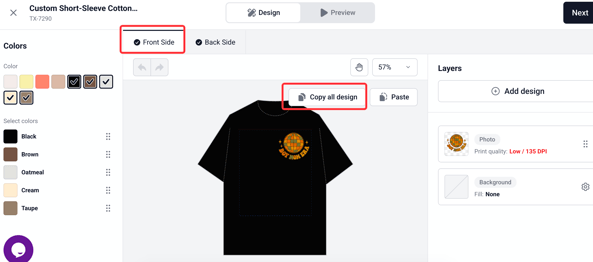
Upload your artwork, logo, or any images you want to use. If your design has both front and back elements, make sure you click "Copy All Design" from the front side. This ensures both sides will be saved correctly.
Next, add your product details, set your pricing, and choose to either save your design for later or publish it immediately.
4. Apply Your Design to Other Products
-
Go back to the marketplace and select a new product.
-
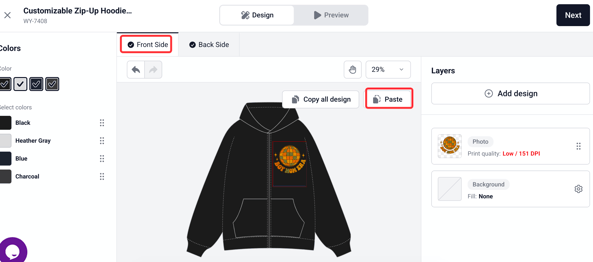
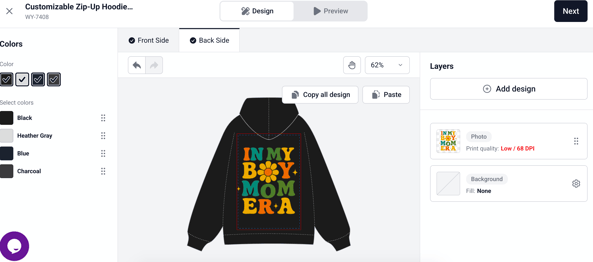
Click “Start Designing,” then choose “Paste” to apply your copied design. If your design includes both front and back artwork, be sure to paste it from the front side — this ensures that both sides will be accurately applied to the new product.